docx4j

Unifying the web browser and the desktop?

December 9th, 2008 by Jason

You can launch docx4all as a desktop application, or as an applet in your web browser (requires Java 6).

If you choose to do the latter, you can (provided you are running then new Java Update 10) drag the applet to your desktop, where it will keep running even if you close the web browser.

See this video:
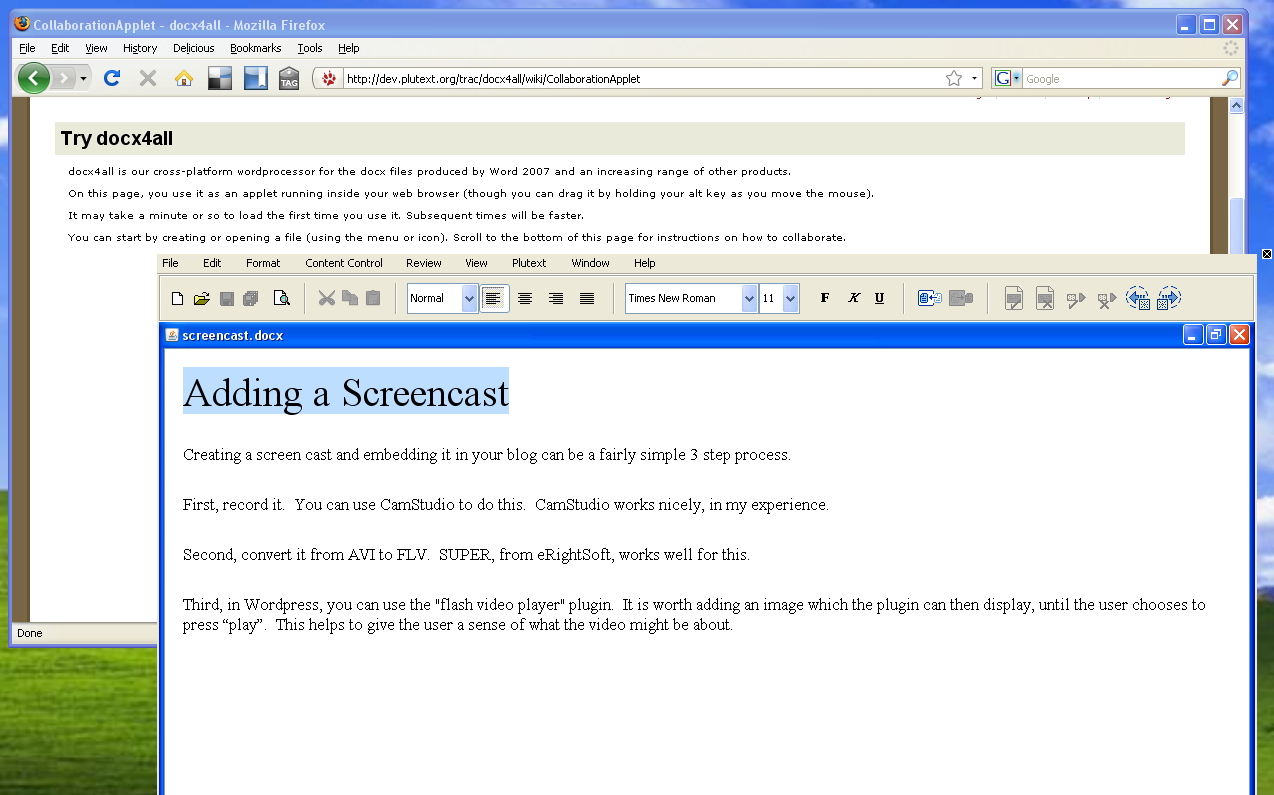
Screencast
Flash (.flv) screencast; download to play it in VLC or similar.

Is this a gimmick, or is it truly useful?

It is useful if you want to close your browser, but not docx4all.

It can also be thought of as a way to preview before you install (dragging it to the desktop installs the desktop shortcut / Start menu option).

It would be nice if, having dragged the applet outside of the browser, you could resize it (as you can with a normal desktop application) – but you can’t (at least without some extra coding on our part).

So, although its cool, it is not really a major feature.
collaborate on a Word doc with docx4all

November 16th, 2008 by Jason

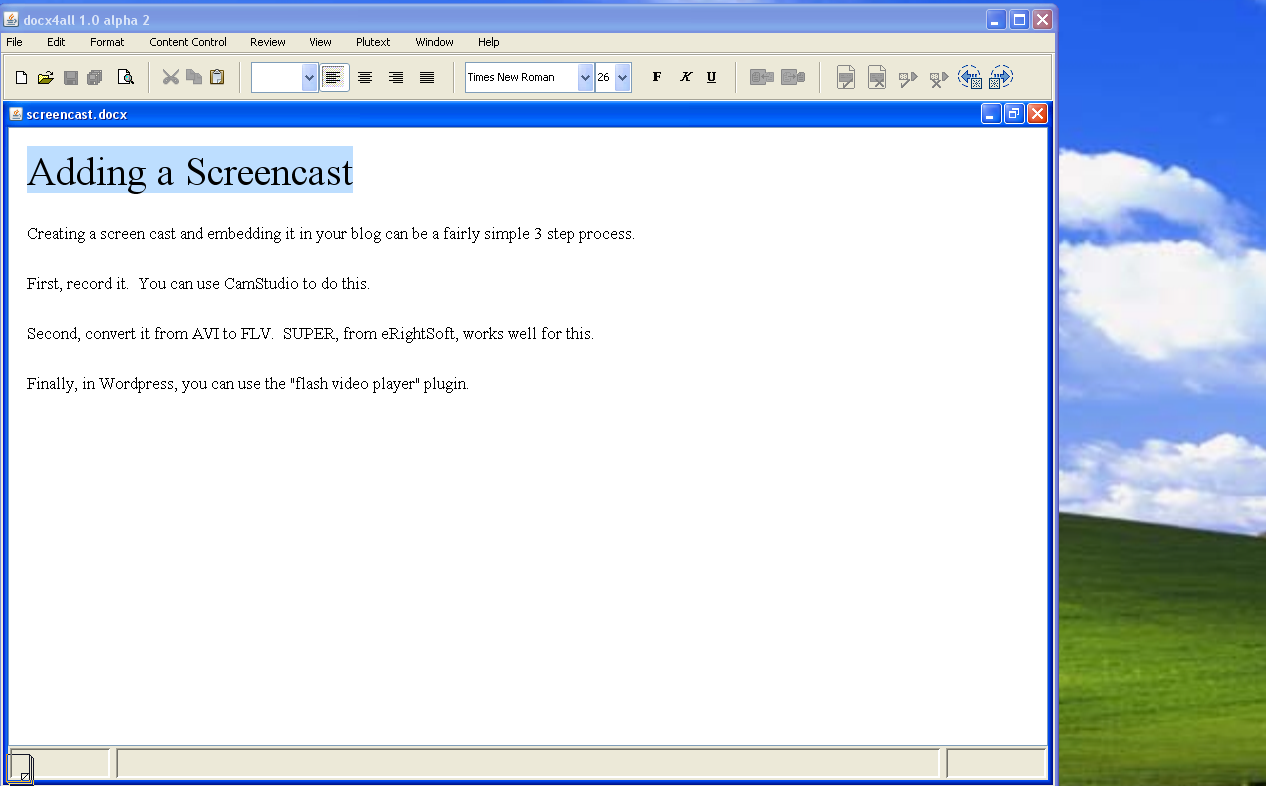
docx4all has now reached the point where you can collaborate happily with a Word user, both working on the document at the same time.

This screencast shows a docx4all user and a Word user doing that:

Screencast
Flash (.flv) screencast; download to play it in VLC or similar.

docx4all will work on any platform if you have Java 6 installed – including Windows, OSX, or Linux.

You can try collaborating now, in your web browser by clicking here (warning: ~10 MB).  The download is of course one-time.  Next time, it will start quicker.

That link takes you to the docx4all applet, which does collaboration in your web browser.

You can also run docx4all as a desktop application – the functionality is identical.

The nice thing about the docx4all experience is that with just one-click you can be collaborating. Ok, a couple of clicks – one to start docx4all, and another to do File > Open.

Because all changes are versioned, from the Plutext menu you can see:

  • a history of all the changes which have been made to a given content control
  • a version of the document showing the most recent change to each paragraph

docx4all now in subversion

December 6th, 2007 by Jason

I’m excited to say that today Jojada uploaded his work to date on docx4all to subversion.

Docx4all is our open source word processor which uses OOXML WordprocessingML as its native document format. Like our other projects, we’re releasing it under a GPL (in this case v3).

We intend it to run wherever Swing runs, and both from the desktop and within a web browser.

Docx4all is a thoroughly modern Swing application, in that its built on JavaFX Script and the Swing App Framework.

Here is a screenshot of a simple document rendered in it (click to enlarge), running on Ubuntu:

docx4all v0.1 screenshot

Its very early days yet. As you can see from the screenshot, docx4all can render simple paragraph content. But you can’t actually edit yet. That will change before Christmas.

The philosophy we’re taking is that if docx4all encounters any WordML markup which it doesn’t understand, it should preserve (ie round trip it).

You can see in the screenshot that sectPr currently falls into that category. As I said, its very early days!

But we wanted to get docx4all out there, so that anyone who’d like to work on it is able to get started.

The wiki contains instructions for building docx4all. Let us know how you go in the forums.